Configuring a Motor#
Configuring a Motor
This tutorial walks you through adding a Motor to your project. By the end, you’ll have a Motor device set up and ready to use in your blocks.
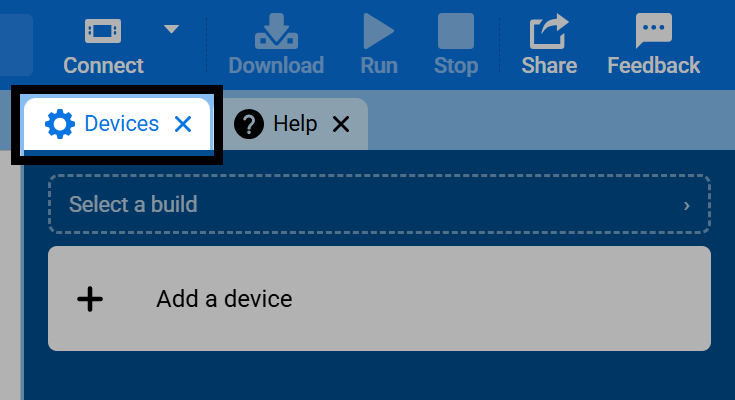
Open the Devices tab.
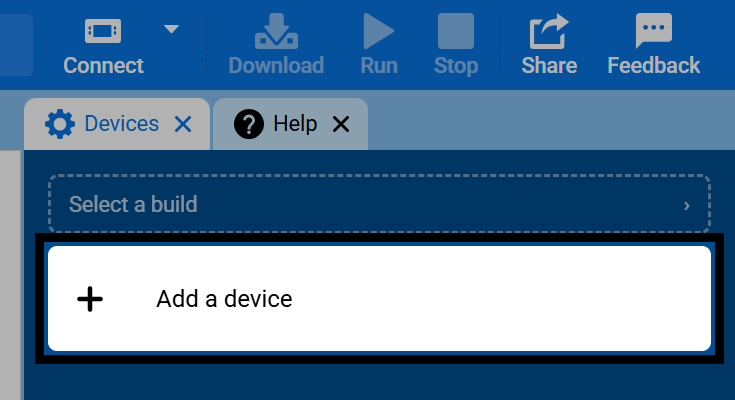
Select Add a Device.
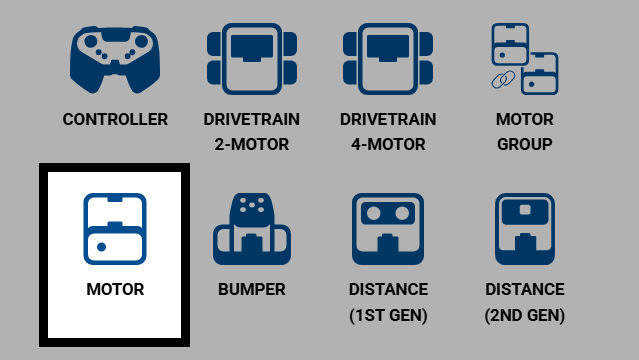
Select Motor.
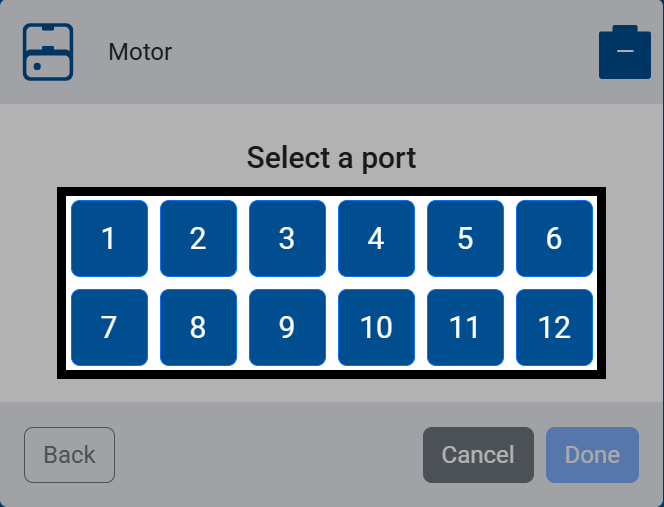
Select the port the motor is connected to.
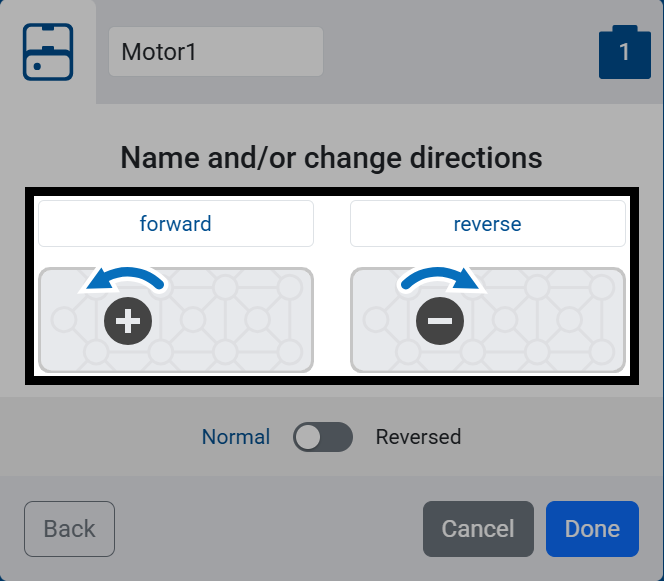
Set the forward rotation: clockwise or counterclockwise.
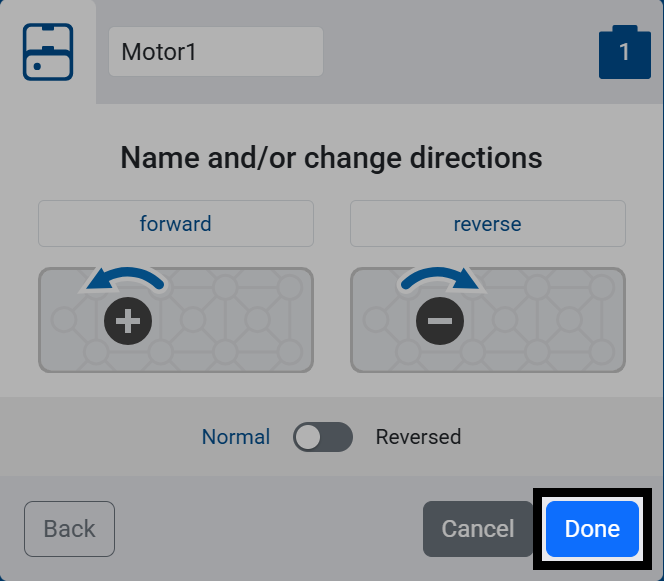
Select Done.
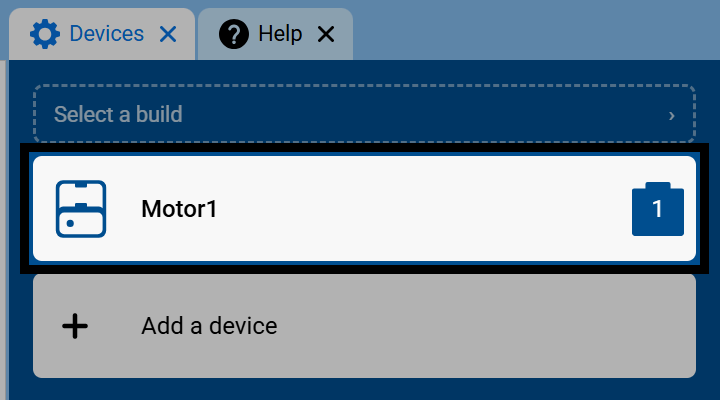
The Motor will now appear in your list of Devices.
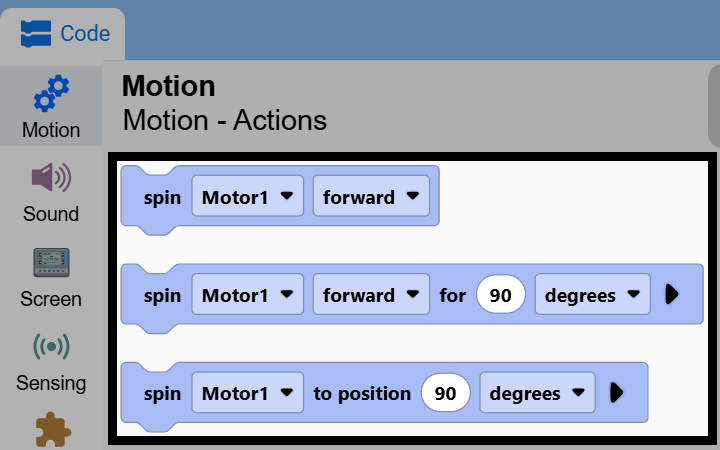
The Motor’s blocks will now appear in the toolbox, within the Motion category.