Conectando tu robot#
This tutorial walks you through connecting your robot to VEXcode IQ (1st gen) with a USB cable. By the end, you’ll have your Brain connected and ready to download projects to.
Note: The VEX IQ (1st gen) Brain connects to VEXcode over a wired USB connection only. The Radio Module is used to pair the Brain with a Controller, not to connect to VEXcode.
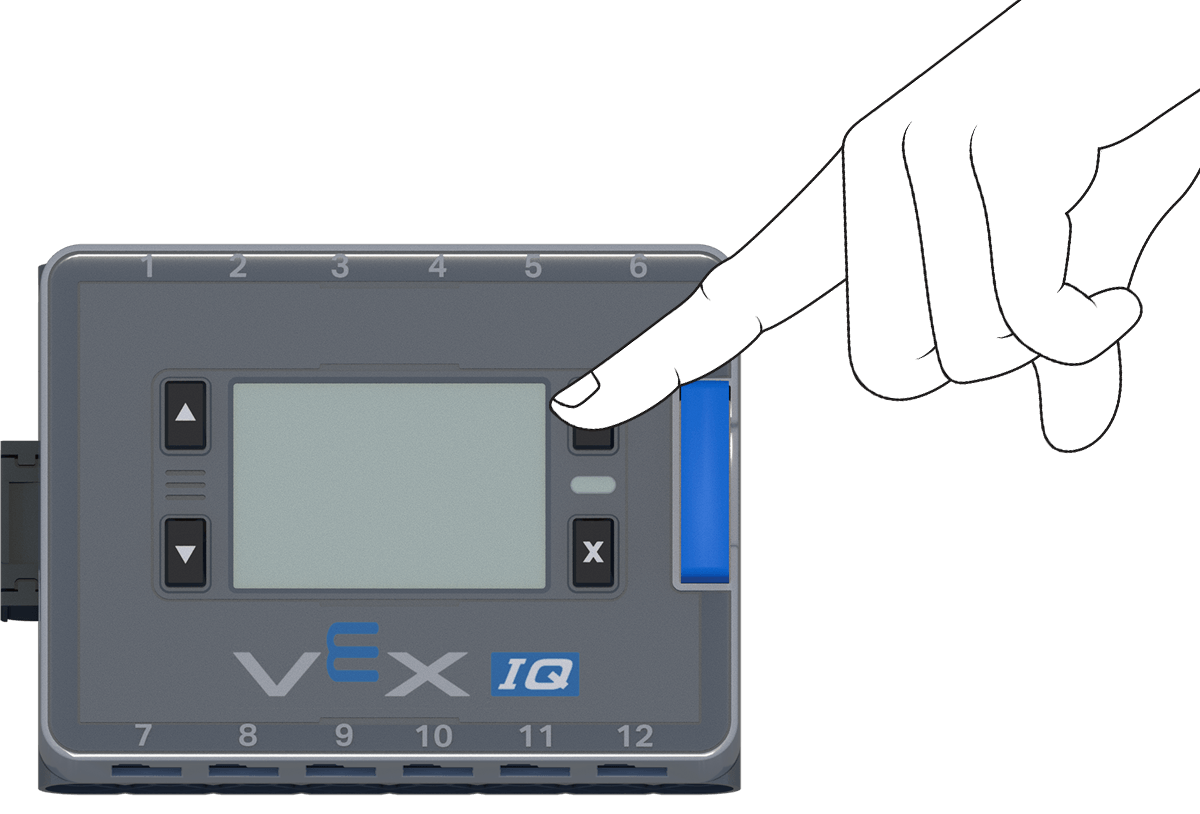
Press the Check button on the Brain to turn it on.
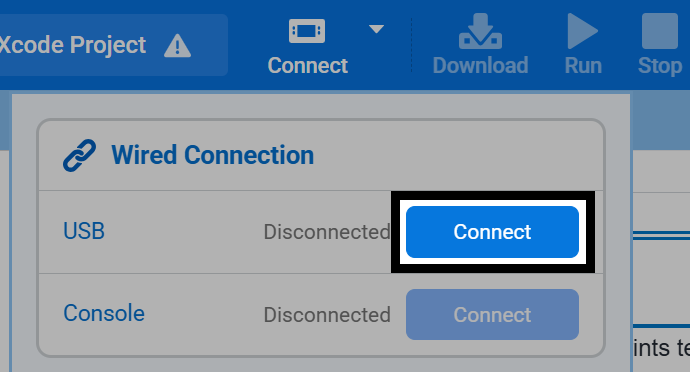
Connect your Brain to your computer with a USB Micro-B cable, then select the Connect button at the top-right of VEXcode.

Select Connect next to USB under Wired Connection.
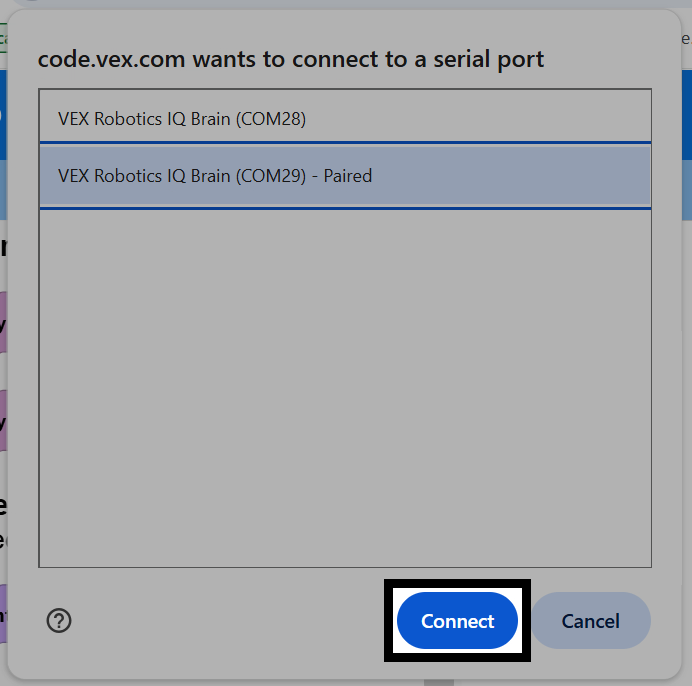
Your browser will ask which serial port to connect to. On Windows, two VEX Robotics IQ Brain entries are listed. Select the one with the higher COM number.
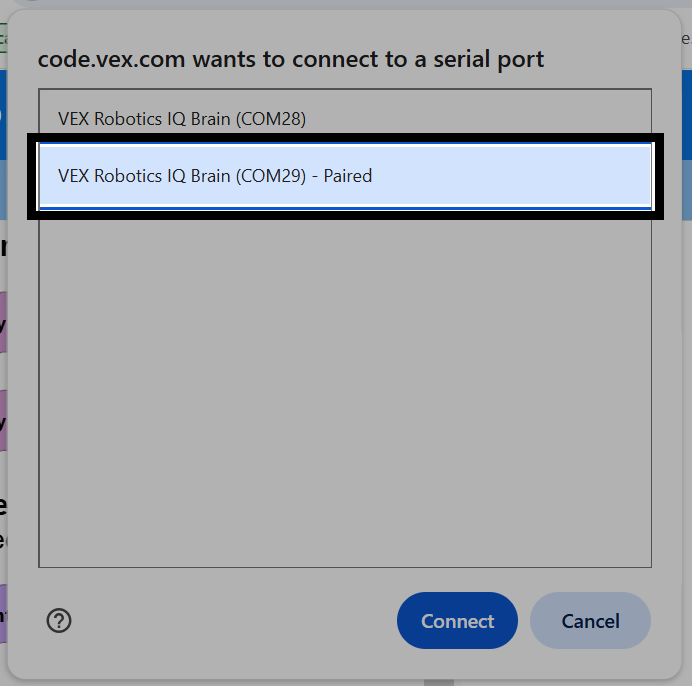
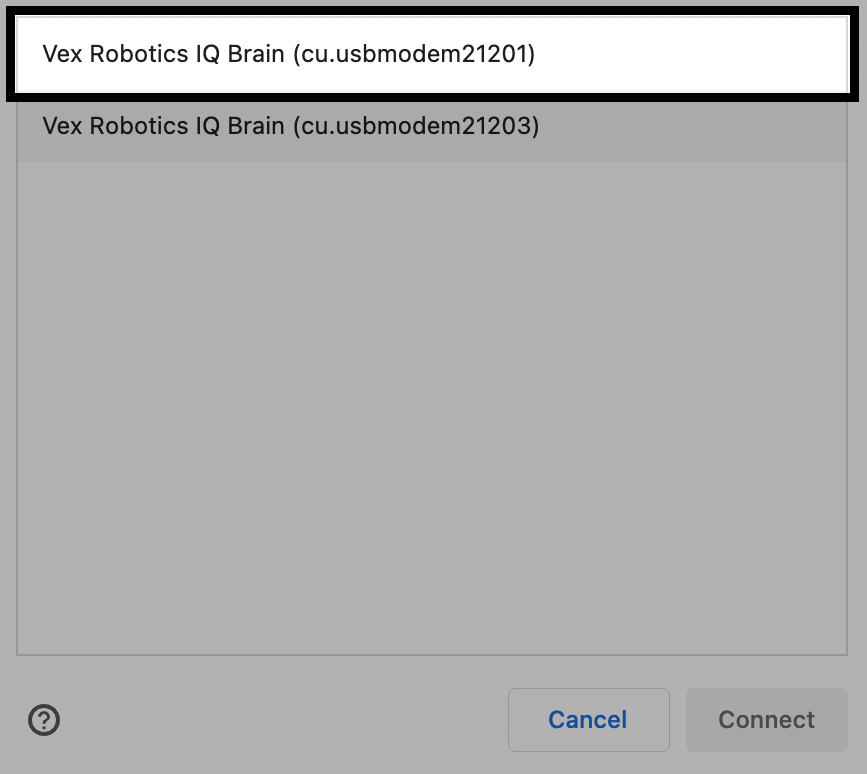
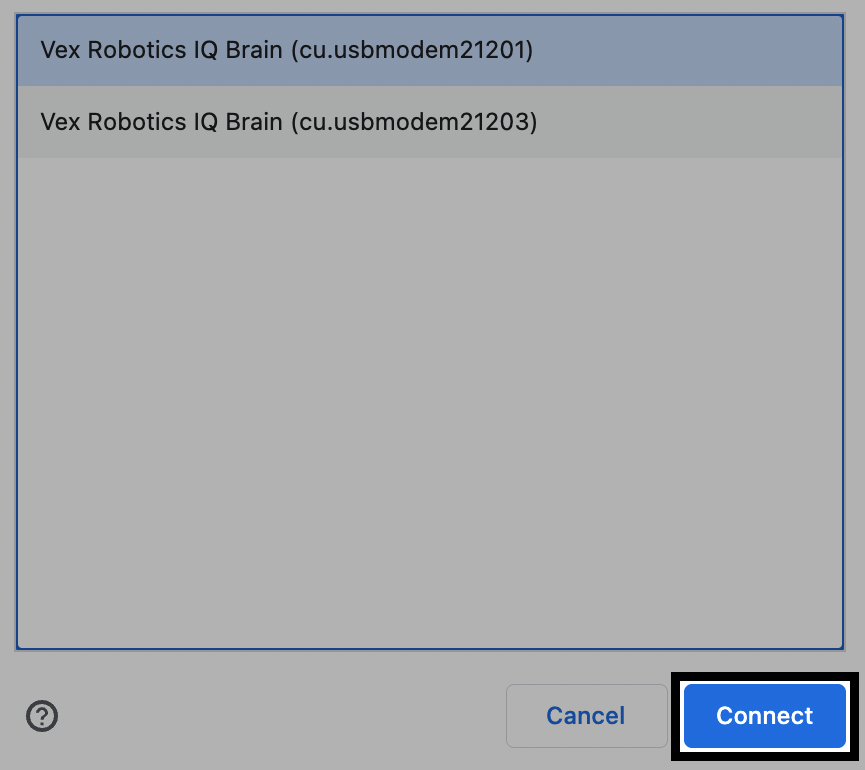
On macOS, select the lower-numbered VEX Robotics IQ Brain entry.
Select Connect.
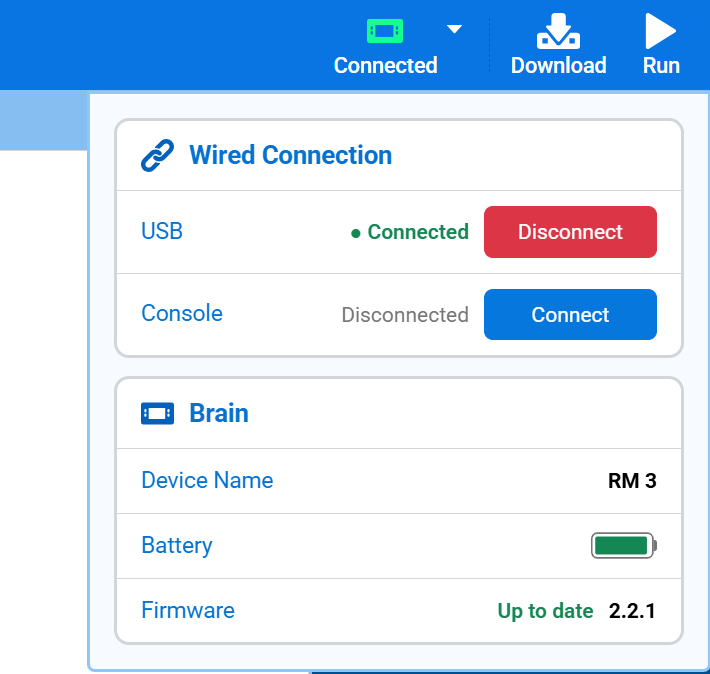
Once connected, USB will show as Connected, and the Brain section will appear, showing its Device Name, battery, and firmware version. The Brain icon in the toolbar will also turn green, and the Connect button will now read Connected.