
Changing the Arm’s Orientation#
Changing the Arm's Orientation
This tutorial walks you through using the move arm to orientation block to rotate the end of the 6-Axis Arm in VEXcode CTE. By the end, you’ll have a project that turns the arm’s end effector.
Attach a move arm to orientation block below the when started block.
A move arm to orientation block connected below when started.#
    when started
        move [arm v] to orientation [pitch v] [0] degrees ▶
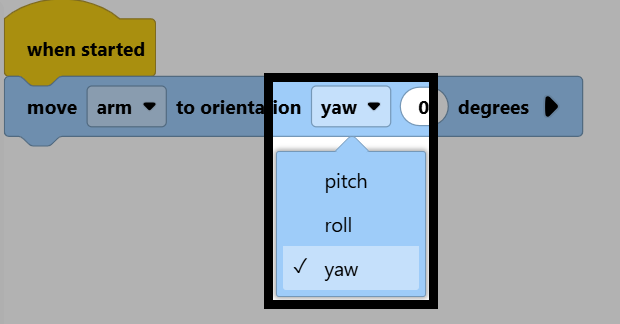
Change the orientation parameter to yaw. Pitch tilts the end effector up or down, roll rotates it side to side, and yaw rotates it left or right.
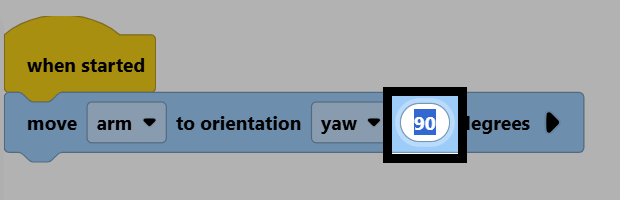
Change the degrees parameter to 90.
Make sure your arm is connected to VEXcode, then select Start to run the project. The arm’s end effector will turn to a yaw of 90 degrees.
