Turning Your Robot#
Turning Your Robot
This tutorial walks you through using the turn for block to turn your robot in VEXcode IQ (2nd gen). By the end, you’ll have a project that turns your robot around.
Make sure your robot is configured with a Drivetrain, so you see the Drivetrain blocks in the toolbox. See Configuring a Drivetrain if you haven’t added one yet.
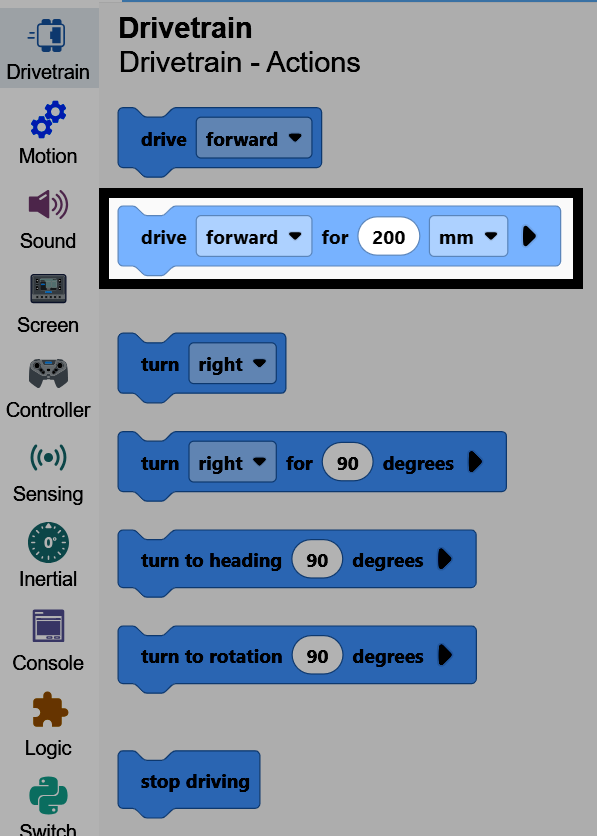
Attach a turn for block below the when started block.
A turn for block connected below when started.#
    when started
        turn [right v] for (90) degrees ▶
Change the degrees parameter to 180.
The block’s degrees changed to 180.#
    when started
        turn [right v] for (180) degrees ▶
Make sure your robot is connected to VEXcode, then select Run to run the project. The robot will turn around to face the opposite direction.