
My Blocks#
This tutorial covers how to create and use My Blocks in VEXcode IQ (2nd gen). By the end, you’ll know how to build a reusable My Block and use it in a project.
My Blocks let you group a sequence of blocks you’ll want to use multiple times in a project, without needing to duplicate or recreate that sequence over and over. This can help break up longer projects to make them easier to work with.
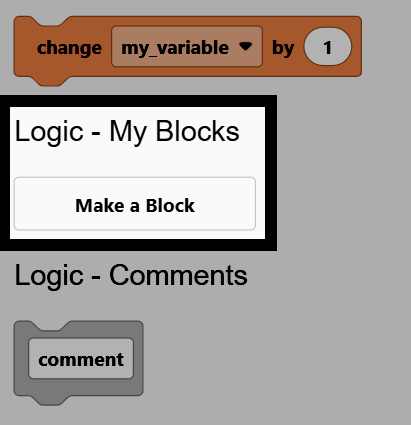
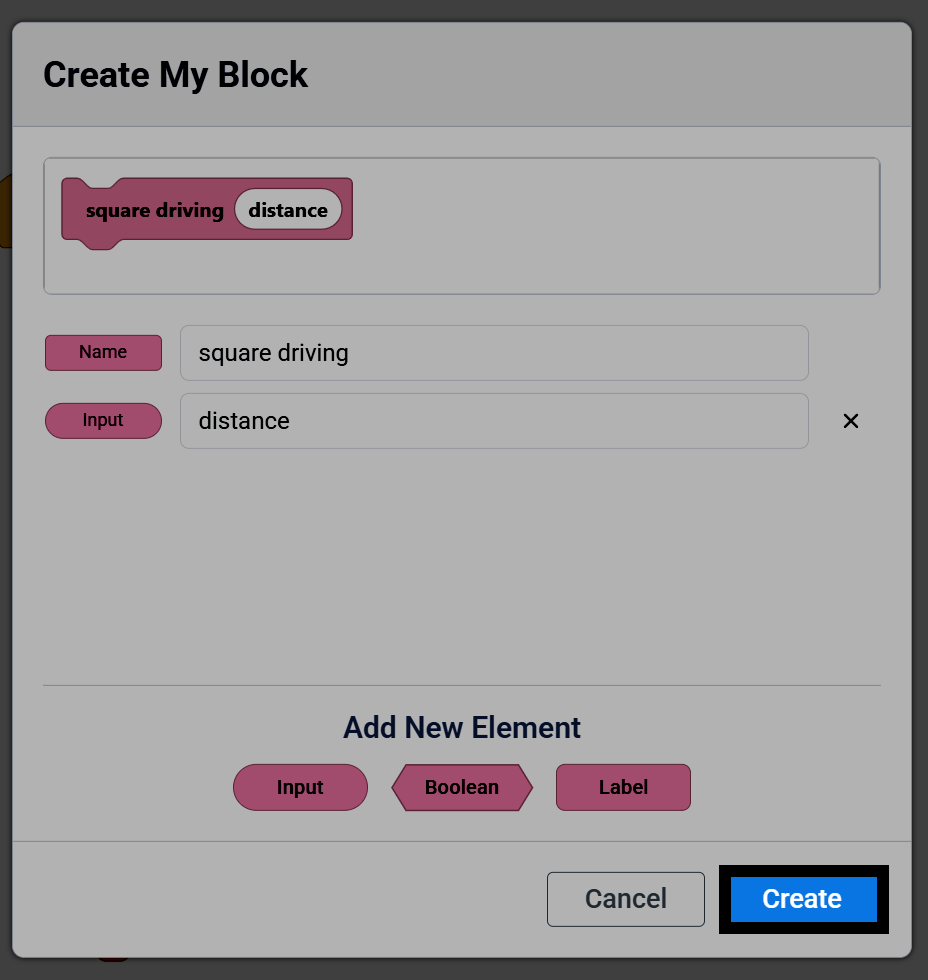
Go to the Logic - My Blocks category in the toolbox, and select Make a Block.
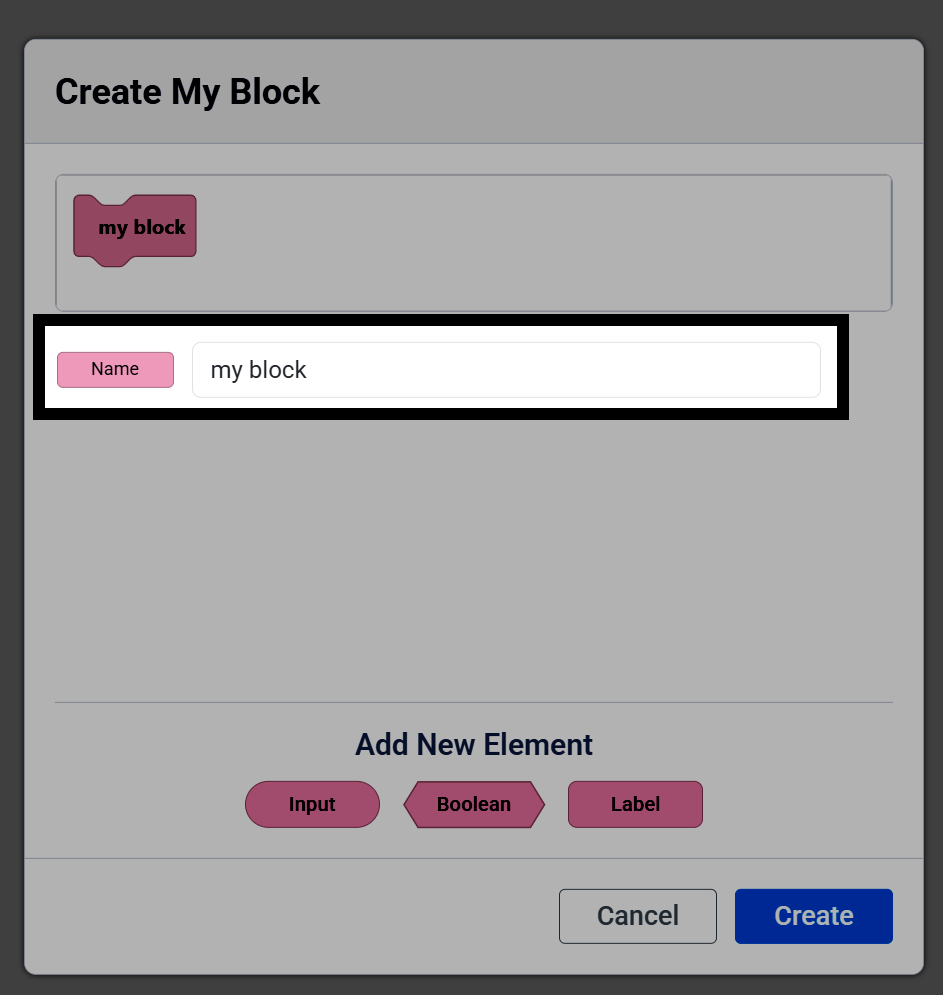
Change the name of your My Block.
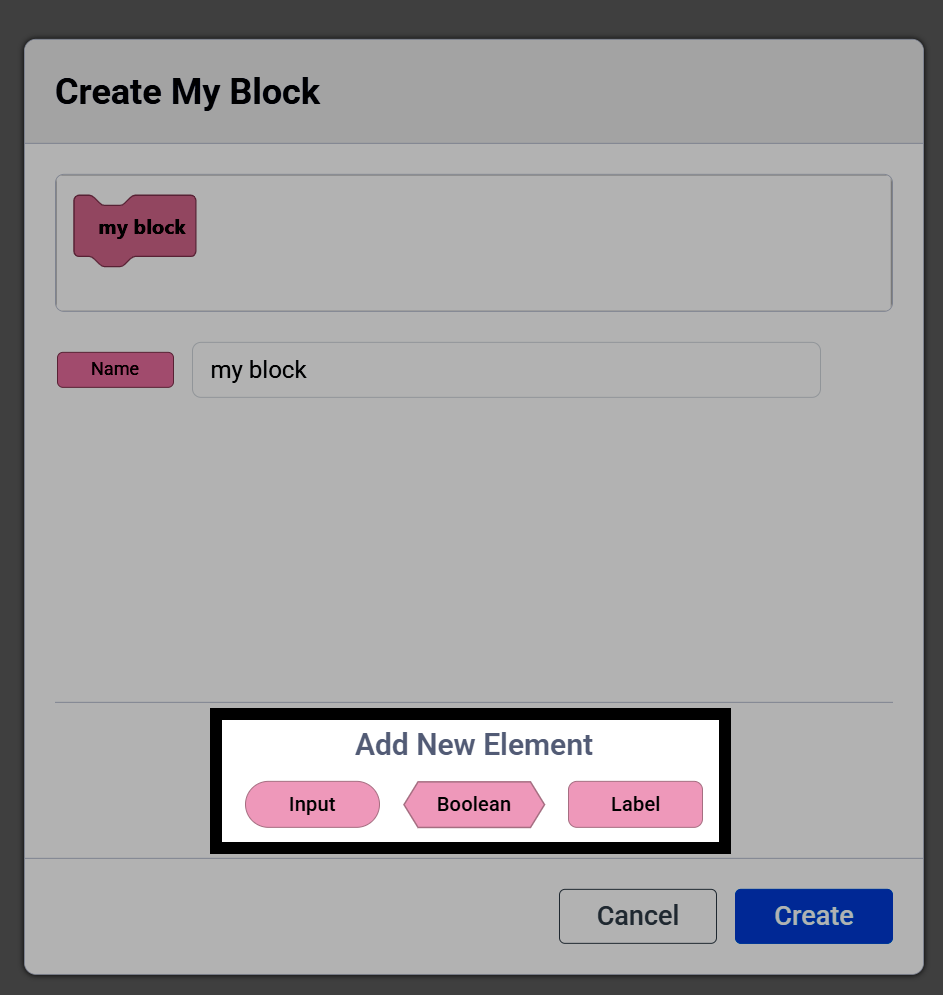
Select an element to add to the block:
Input provides a place to enter text or numbers.
Boolean provides a place for a true or false value.
Label lets you add text to the My Block for organization.
Changing an element’s name changes the name of that My Block parameter. It does not change how the My Block functions.
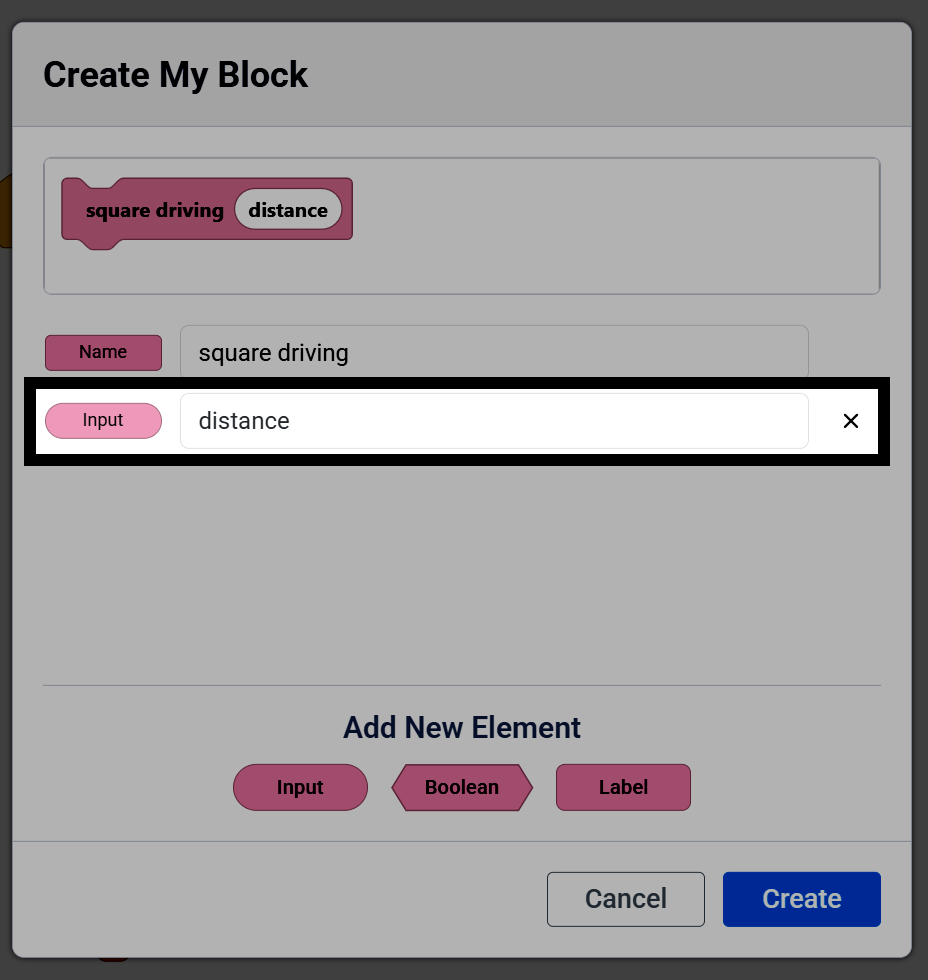
Once you’re done setting up your My Block, select Create.
A define hat block for your My Block will appear in the workspace, and the My Block will appear in the toolbox. Attach blocks below the define block — any blocks attached will run when the My Block is used in the project.
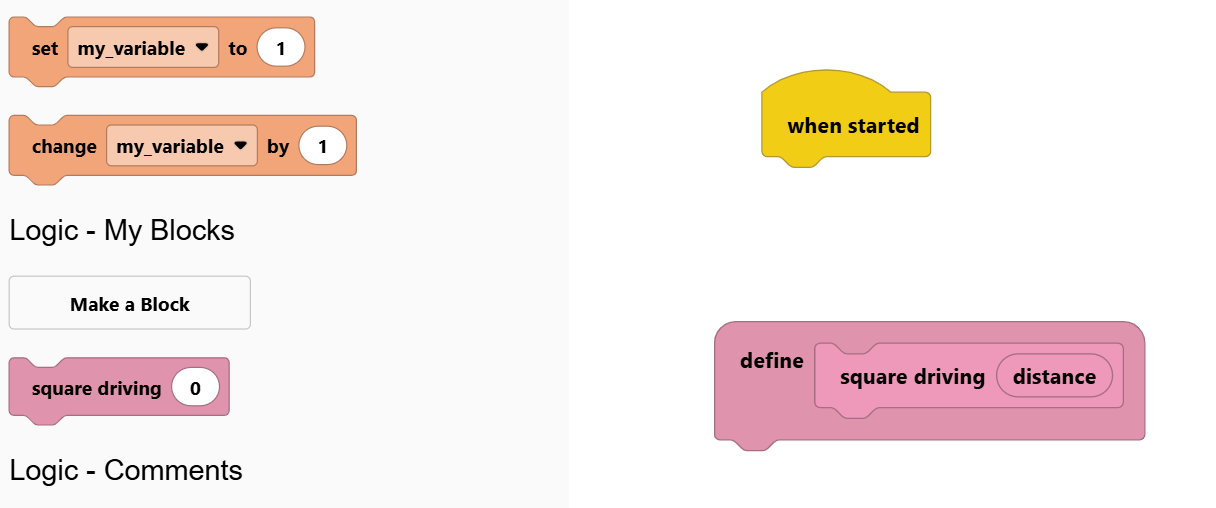
Note: If you delete a My Block’s define block from your workspace, it will also remove that My Block from your toolbox, and you will need to recreate it.
To use a parameter from your My Block, select it on the define block and drag it out to create a usable reporter or Boolean block.
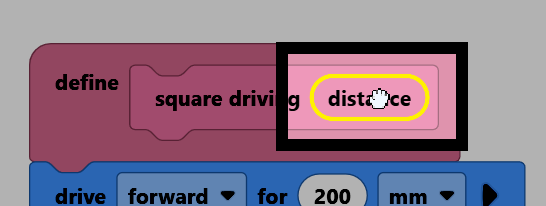
Drop the parameter into another block’s input to use its value. That parameter can only be used within the My Block’s own stack of blocks.
    define square driving (distance) :: custom
        drive [forward v] for (distance) [mm v] ▶
        turn [right v] for (90) degrees ▶
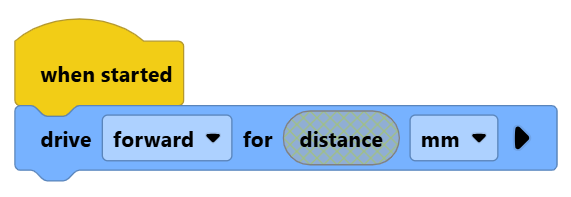
If you try to use a My Block’s reporter or Boolean block outside of that My Block’s own stack of blocks, it will be grayed out to show that it will not work.
The new My Block can be pulled from the toolbox and used in the project. For example, calling square driving with 50 as the distance, repeated 4 times, drives the robot in a square pattern.
    when started
        repeat (4)
            square driving [50]
        end