Configuring Devices#
Configuring Devices
This tutorial walks you through configuring a Touch LED in VEXcode IQ (2nd gen). By the end, you’ll have added a Touch LED and be ready to use its blocks.
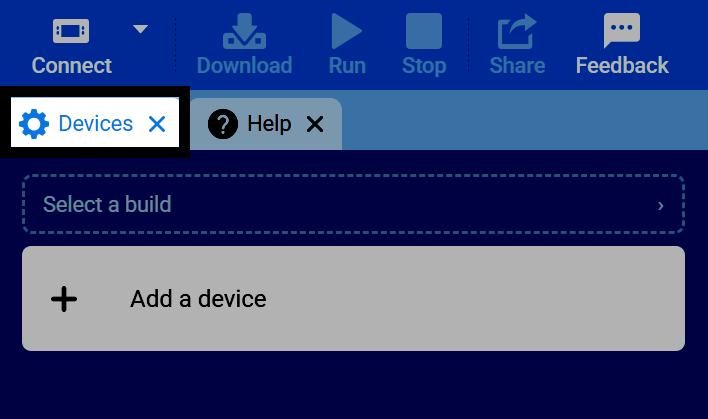
Select the Devices tab. If the Devices tab is not visible, see Navigating VEXcode.
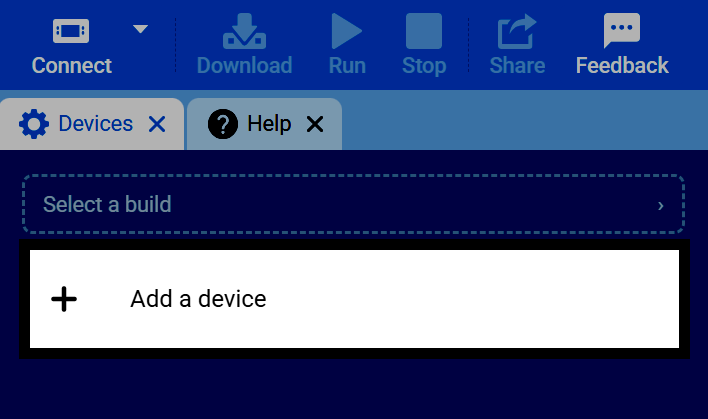
Select Add a Device.
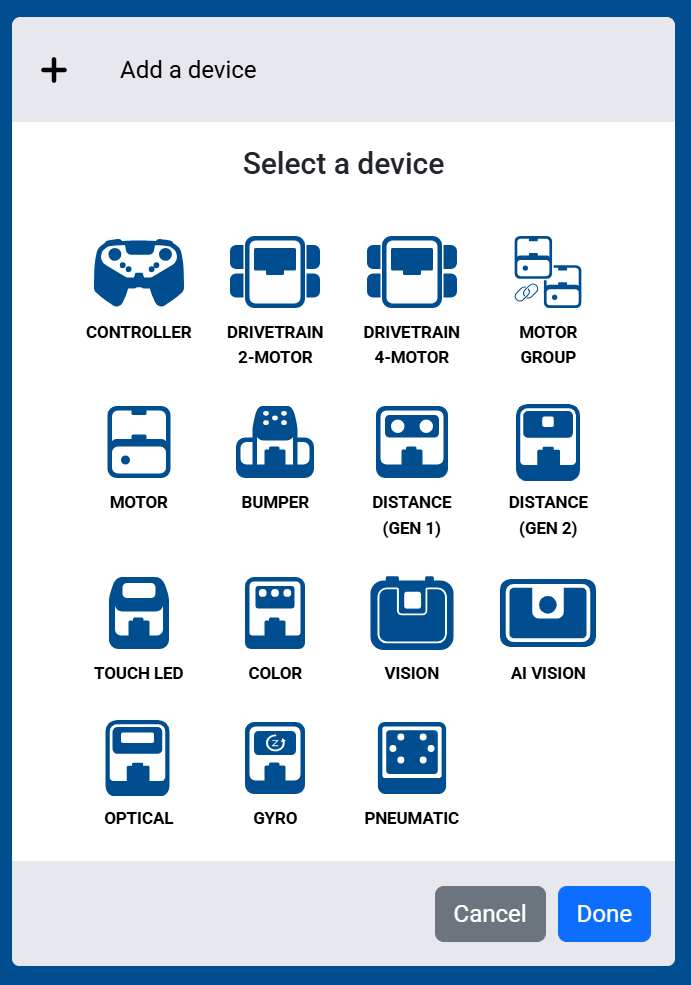
Select which Touch LED you’d like to add to the robot.
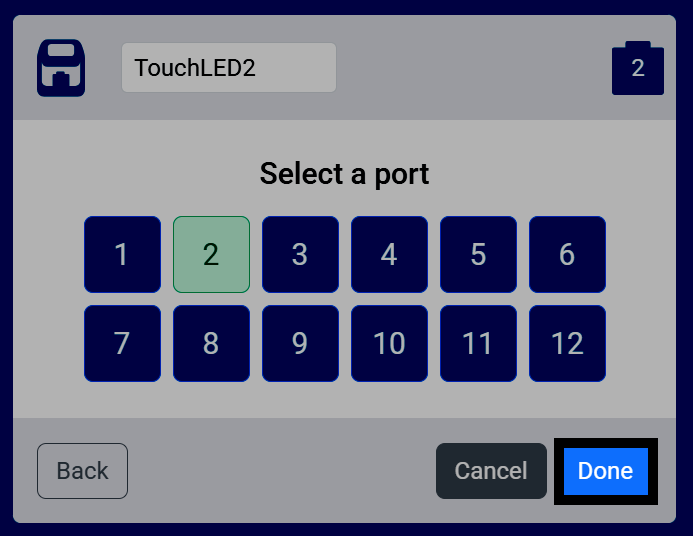
Select which port the Touch LED is connected to on the Brain.
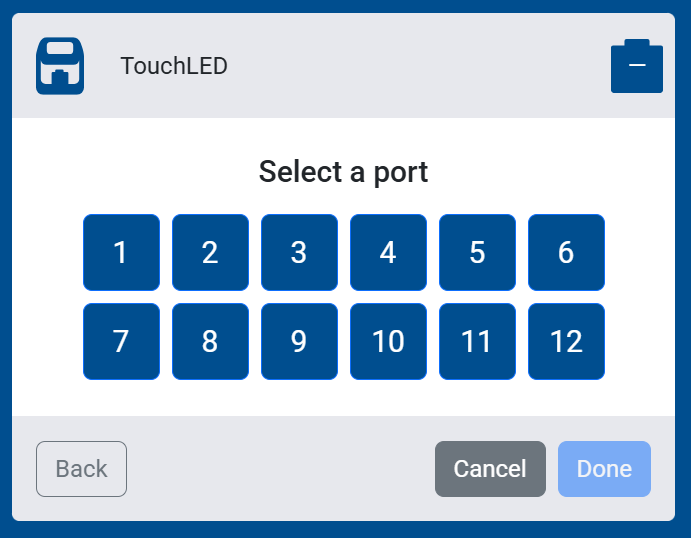
Select Done to add it to your robot.
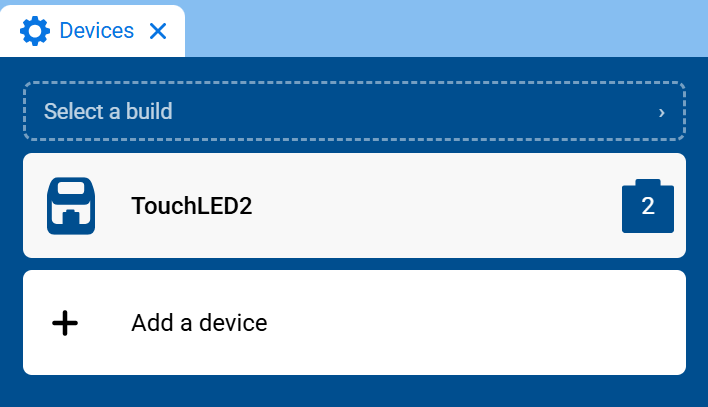
The Touch LED will now appear in your list of devices, and its blocks will be added to your toolbox.
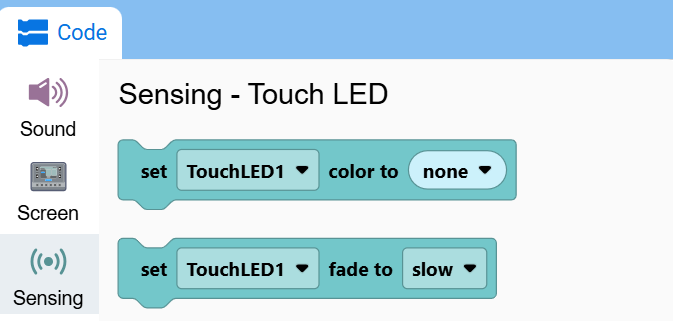
The Touch LED’s blocks will now appear in the toolbox, within the Sensing category.