移动和移除方块#
Moving and Removing Blocks
This tutorial covers how to move, attach, rearrange, and delete blocks in a project. By the end, you’ll know how to organize your blocks and remove the ones you don’t need.
要将模块添加到项目中,请从工具箱中单击并拖动模块,然后松开鼠标将其放入工作区。
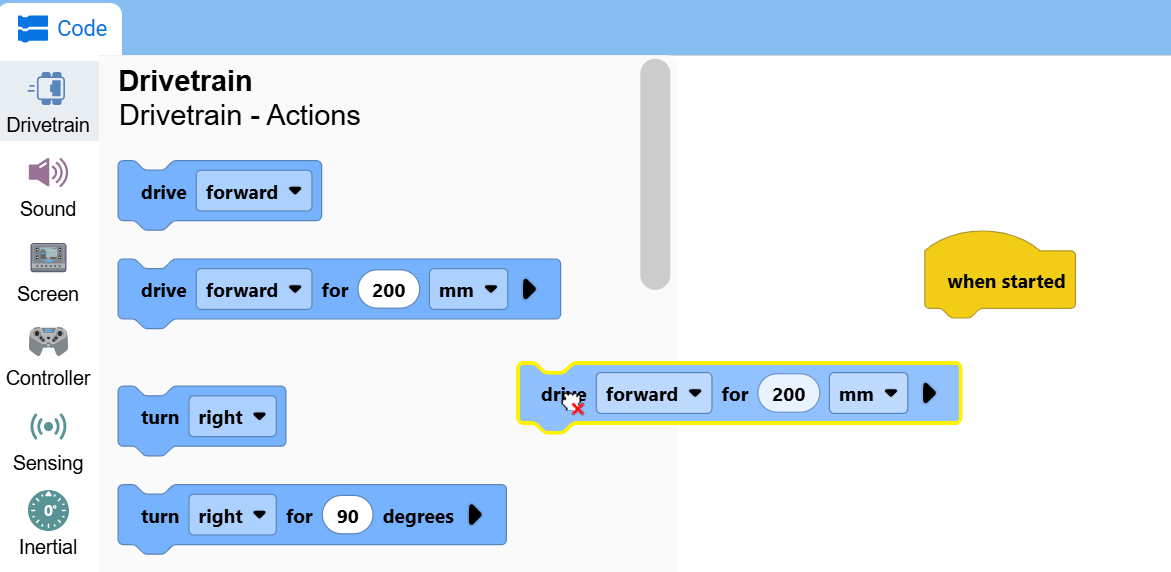
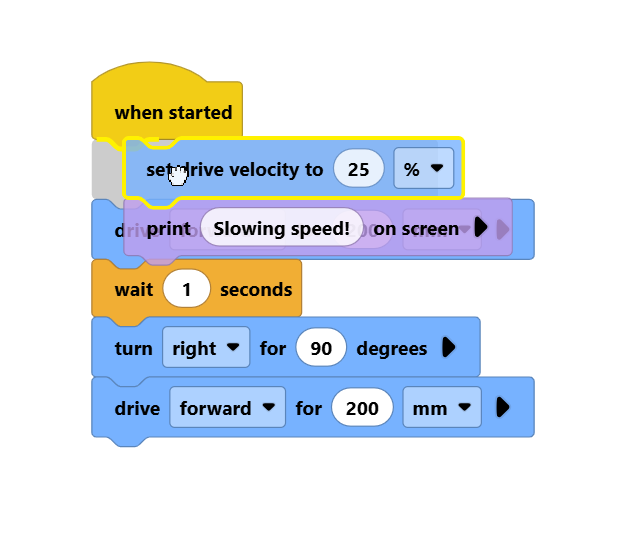
将一个方块拖动到其他方块上,即可将它们连接在一起。
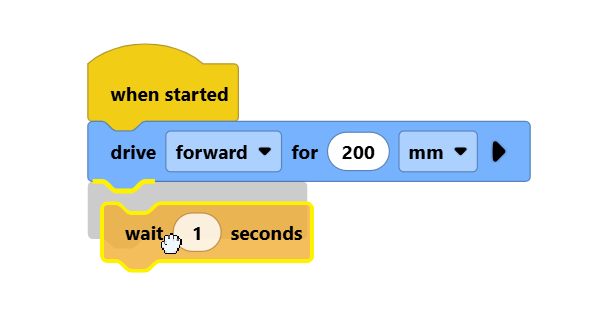
点击位于其他方块上方的方块,即可将整组方块一起移动。
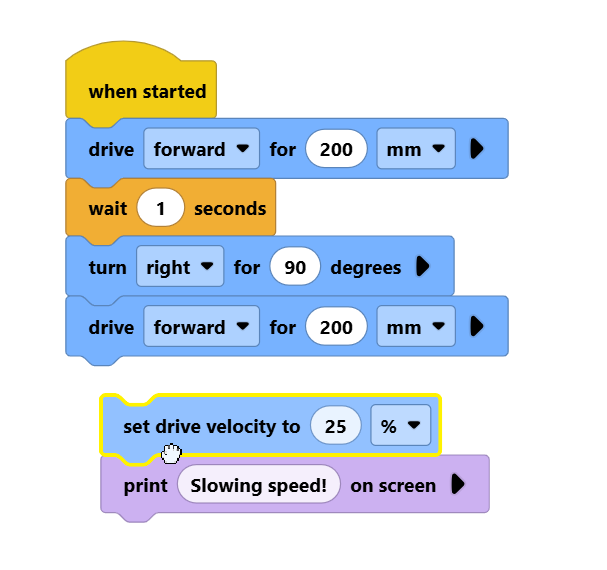
将一堆方块拖到其他方块上方,就可以将它们插入到方块堆中。
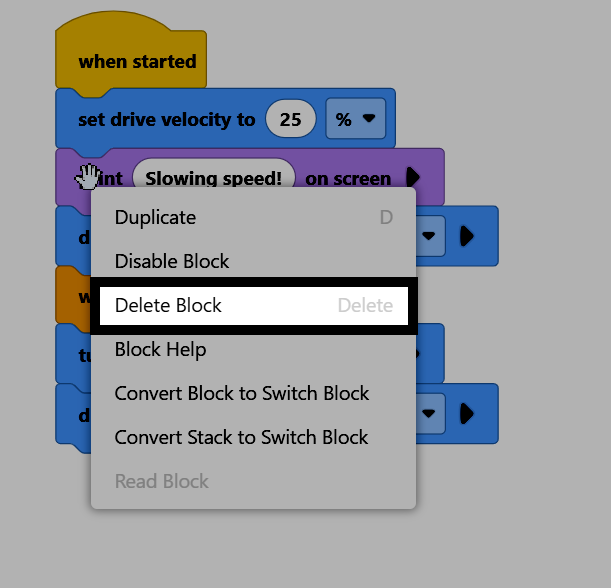
要删除一个代码块,请右键单击该代码块,然后从上下文菜单中选择“删除代码块”。您也可以选中该代码块,然后按键盘上的删除键。