使用帮助#
Using Help
This tutorial walks you through using the Help tab in VEXcode IQ (2nd gen). By the end, you’ll have looked up what a block does using the Help tab.
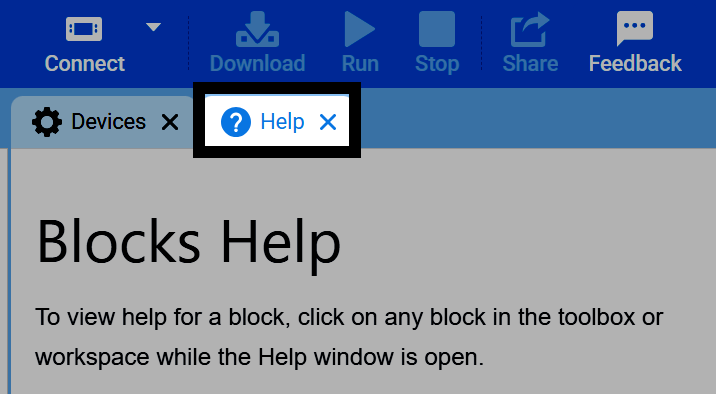
在 VEXcode 右上角选择“帮助”选项卡。
从工具箱或工作区中选择一个图块,即可打开该图块的帮助信息。每个帮助条目都包含有关图块参数的信息、演示其行为的示例以及任何有助于您理解图块的其他图形。
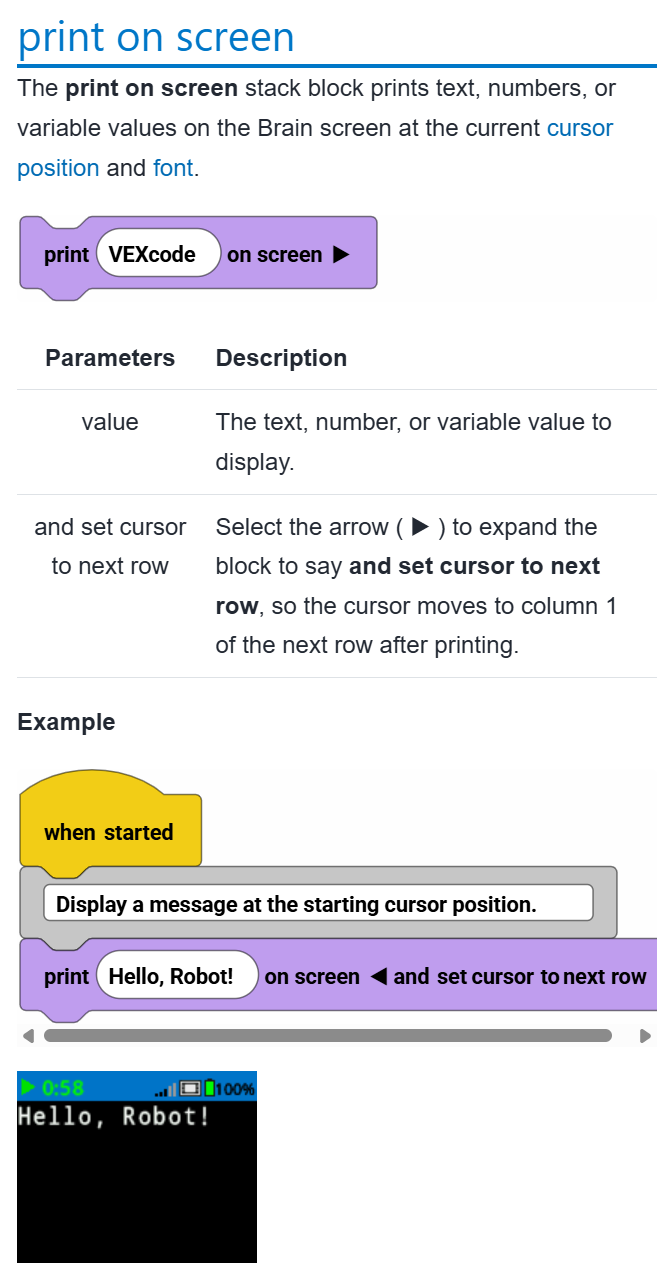
To start re-creating the example shown, select the lock icon. This makes sure VEXcode won’t open a new Help page if you select a different block.