项目命名和保存#
Naming and Saving Your Project
This tutorial walks you through naming and saving a project in VEXcode IQ (2nd gen). By the end, you’ll have saved your project under a new name.
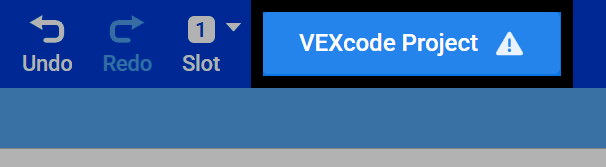
在 VEXcode 顶部选择您的项目名称。
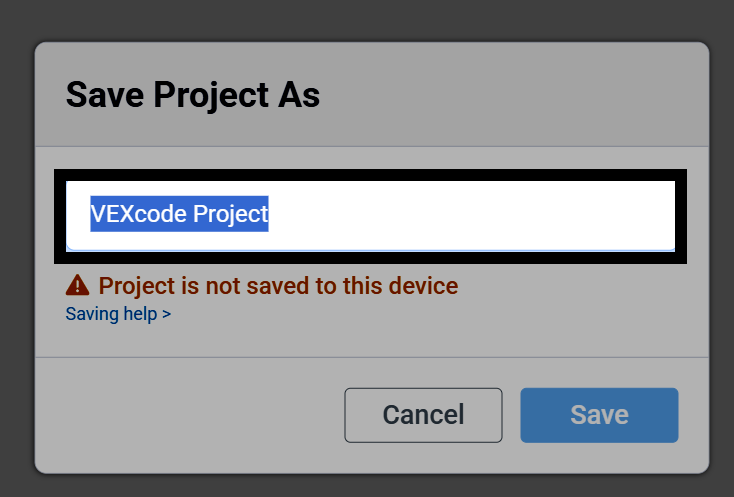
此时会弹出一个对话框。请输入项目的新名称。
Select Save to open the saving dialog for your device.
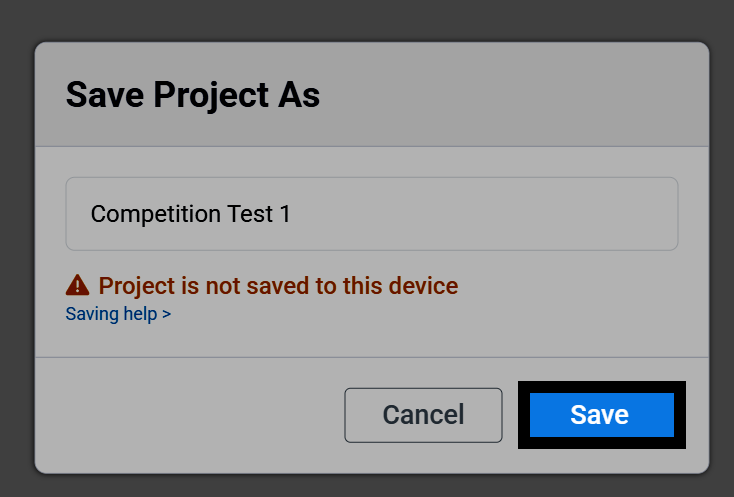
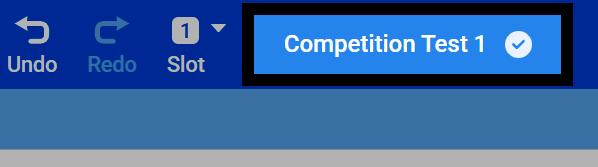
项目保存后,其名称将显示在 VEXcode 的顶部。VEXcode 还会在您工作时自动保存项目。
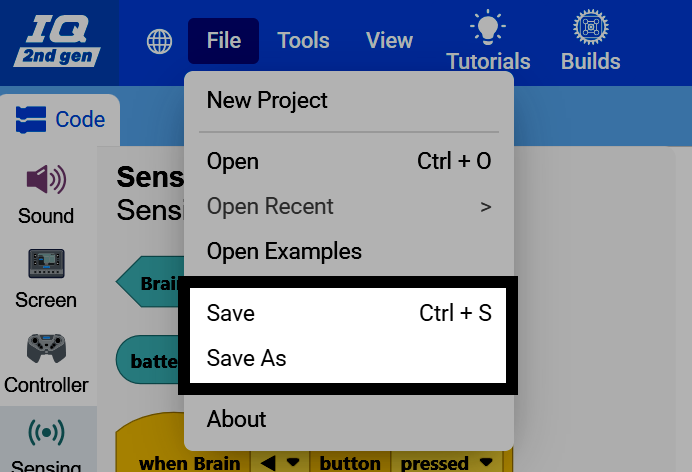
You can also save manually at any time. Select File in the top-left of VEXcode, then select Save to save the project, or Save As to save it with a new name.