更新大脑固件#
Updating Brain Firmware
This tutorial walks you through updating your Brain’s firmware in VEXcode IQ (2nd gen). By the end, you’ll have your Brain’s firmware up to date.
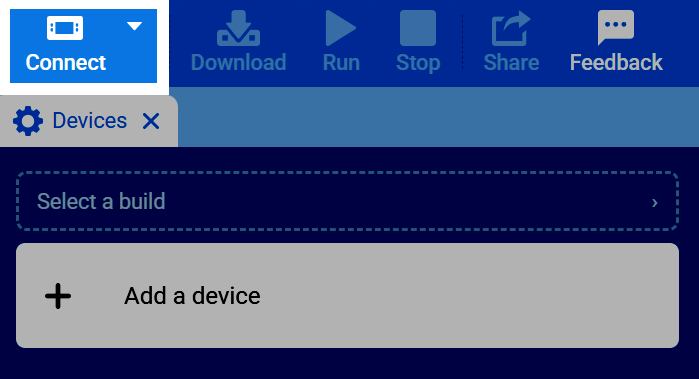
在 VEXcode 右上角选择“连接”按钮。
要更新您的 Brain,您必须使用 USB 数据线通过有线连接将其连接到您的设备。在“有线连接”部分,选择 USB 旁边的“连接”按钮。
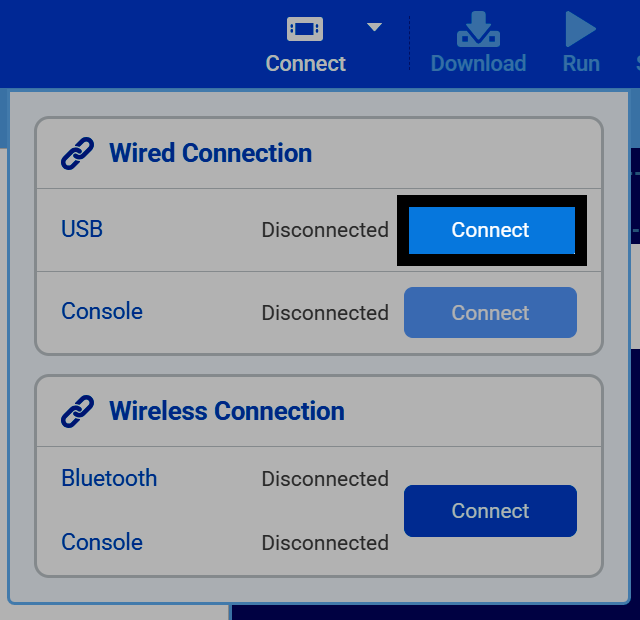
For help selecting the correct port on your device, see Connecting to Your Robot.
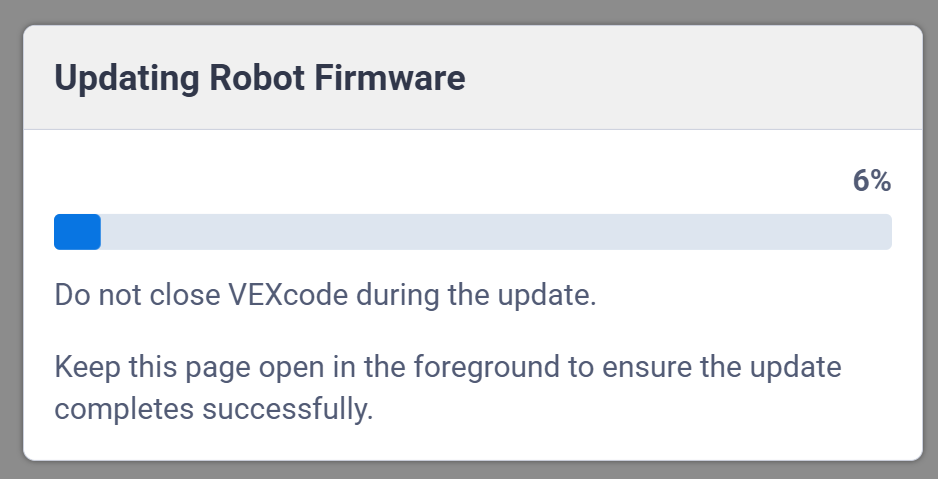
If your Brain’s firmware is out of date, VEXcode will automatically start updating it.
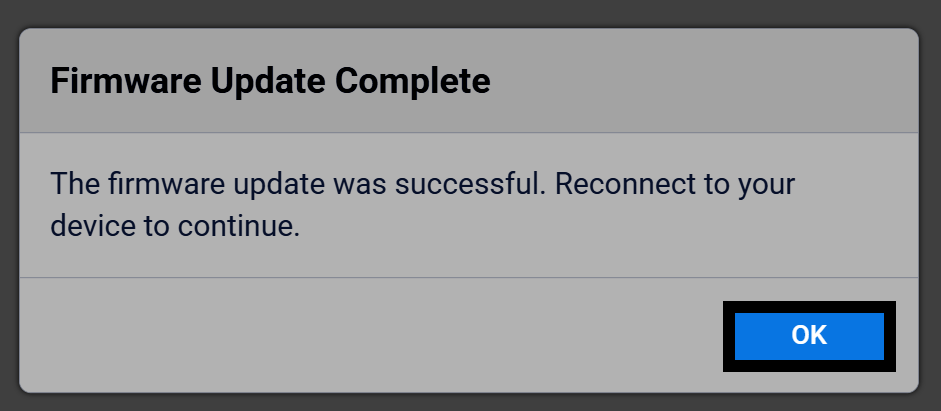
更新完成后,选择“确定”完成操作。将 Brain 重新连接到 VEXcode,即可再次开始下载项目。